What is a trustline?
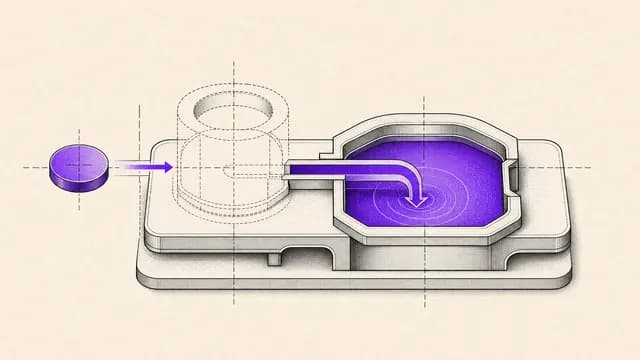
A trustline lets your XRP Ledger account hold one token from one issuer, up to a limit you set. Each one normally locks 0.2 XRP of reserve, which you get back when you remove it.
By Rho Black · · 5 min read
What a trustline does
On the XRP Ledger, every token except XRP is issued by an account. A stablecoin, a meme coin and a tokenised share all work the same way: the issuer creates the token, and holders keep a balance of it.
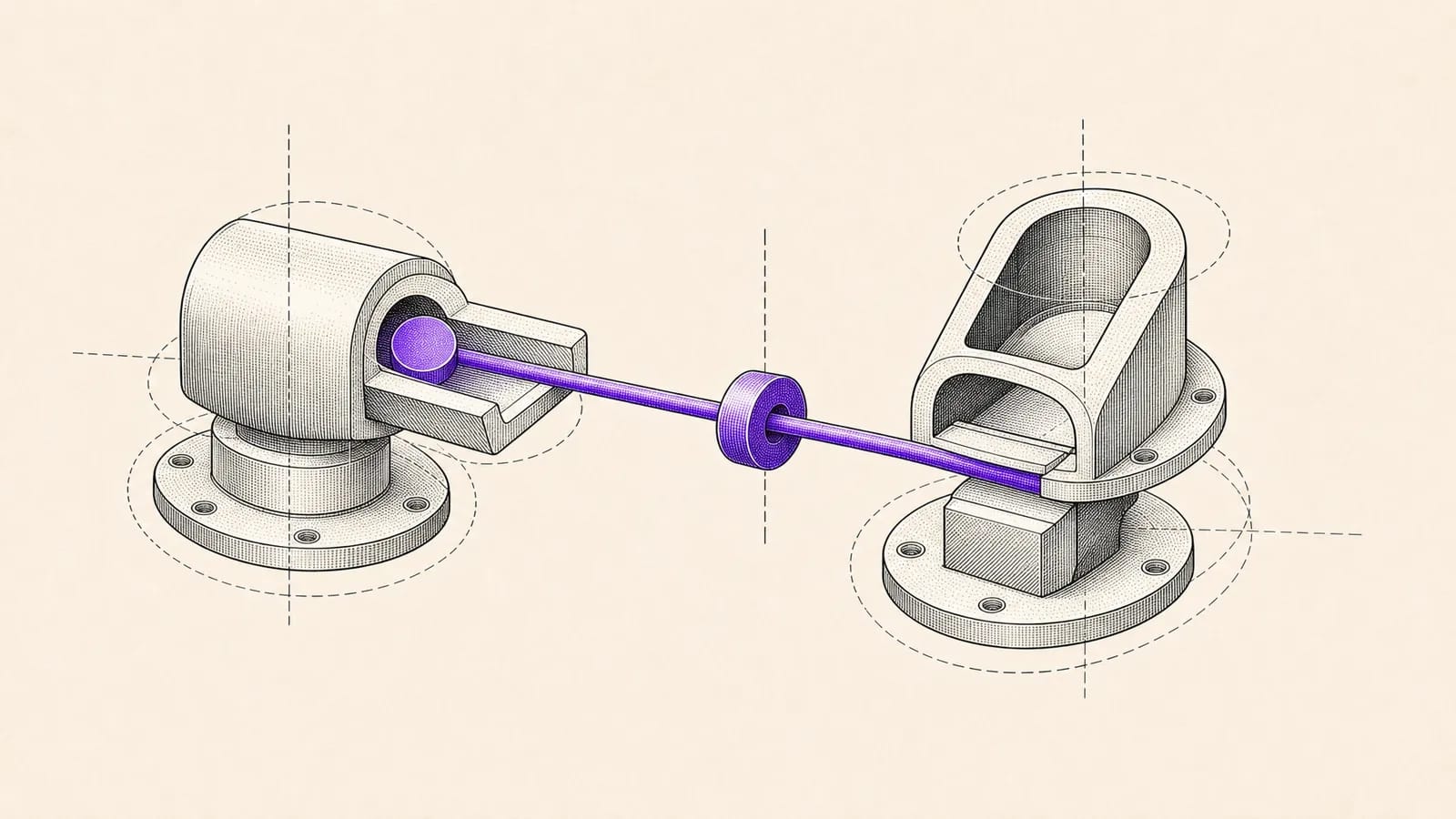
A trustline is the record that connects your account to one issuer for one token. It says “I accept this token from this issuer, up to this amount.” Until it exists, nobody can send you that token, which also keeps unwanted tokens out of your account.
A token is defined by its code and its issuer together. Anyone can issue a token called RLUSD, but only the one from rMxCKbEDwqr76QuheSUMdEGf4B9xJ8m5De is Ripple’s stablecoin. Your trustline points at that exact issuer, so a lookalike token with the same code is a separate asset.
What a trustline costs
| Item | Amount | What happens to it |
|---|---|---|
| Base reserve | 1 XRP | Locked |
| Per trustline | 0.2 XRP | Locked, refunded on removal |
| Transaction fee | ~0.00001 XRP | Burned |
The reserve is not a payment: it is XRP that has to stay in your account while the trustline exists. Validators can vote to change reserve amounts, so check the current values before you rely on them. There is one exception: an account funded with exactly the base reserve can open its first two trustlines without the extra reserve.
How to add a trustline on XPMarket
- Find the token on Top tokens or search for it, and open its page.
- Check that the issuer address matches the one the project publishes on its official site.
- Choose Set trustline. XPMarket fills in the token code and issuer for you.
- Sign the transaction in your wallet, for example Xaman. It settles in a few seconds.
- You can now buy, receive or swap the token.
For example, this link opens the trustline page for Ripple’s RLUSD. The table below links to the most traded XRPL tokens the same way.
Most traded XRPL tokens
| Token | Issuer |
|---|---|
| RLUSD (Ripple USD) | rMxCKb…m5De |
| FUZZY | rhCAT4…pR62 |
| BTC (Bitstamp) | rvYAfW…s59B |
| ETH (Gatehub Fifth) | rcA8X3…7N2h |
| PHNIX | rDFXbW…ivmN |
Each link opens the trustline page for that exact issuer, so you cannot pick a lookalike token by mistake.
How to check a token before you trust it
Adding a trustline gives the issuer no access to your XRP. The risk is the token itself, so look at these before you add one:
- The issuer address, compared with the project’s official website or social accounts.
- Holders, trustlines and liquidity on the token’s XPMarket page. A token with almost no holders or liquidity is hard to sell.
- Clawback: an issuer that enabled it can take tokens back from holders.
- No Freeze: until an issuer sets it, the issuer can freeze individual trustlines.
- Whether the issuer is blackholed, meaning its keys are disabled so nobody can mint more tokens or change its settings.
How to remove a trustline and get your reserve back
- Bring the token balance to exactly zero by selling, swapping or sending it.
- If a tiny balance is stuck, send it back to the issuer address.
- Open the token’s trustline page and choose Remove trustline, then sign in your wallet.
- Once the transaction settles, the 0.2 XRP reserve becomes spendable again.
Common trustline problems
| Problem | Cause | Fix |
|---|---|---|
| A token transfer to you fails | You have no trustline for that token and issuer | Set the trustline, then ask for the transfer again |
| Removing a trustline fails | The balance is not zero | Sell the balance or send it back to the issuer |
| Not enough XRP for a transaction | Reserves lock part of your balance | Add XRP or remove trustlines you no longer use |
| You hold a token you never bought | Someone sent it over a trustline you already had | Check the issuer before trading or interacting with it |
Once you hold tokens, you can also put them to work. See the ways to earn yield on XRP and their risks.
Next step · Tokens
Pick a token, then set its trustline.
Check who issues it first, then set it from your own wallet.
Frequently asked questions
Why do I need a trustline to hold a token?
On the XRP Ledger every token except XRP is issued by an account. A trustline records that you accept that token from that issuer and how much of it you are willing to hold, so nobody can push tokens you did not ask for into your account.
How much does a trustline cost?
Setting one costs a transaction fee of a fraction of a cent and normally adds 0.2 XRP to your account reserve. The reserve is not spent: you get it back when you remove the trustline.
How do I remove a trustline?
Bring the token balance to zero by selling or sending it, then remove the trustline in your wallet or on the token’s trustline page on XPMarket. If a tiny balance is left over, send it back to the issuer first.
Is it safe to add a trustline?
Adding a trustline gives the issuer no access to your XRP. The risk is the token itself: anyone can issue a token with a popular ticker, so confirm the issuer address on the token’s page before you add it.
Can a token issuer take my tokens back?
Some can. An issuer that enabled Clawback before issuing can take tokens back, and an issuer that never set No Freeze can freeze your trustline. Check the issuer’s settings before you trust a token.
Sources
Links to XPMarket lead to XPMarket's own products. XPMarket is non-custodial: you sign every transaction in your own wallet. This guide is educational and is not financial advice.